
DXF import with geometry repair
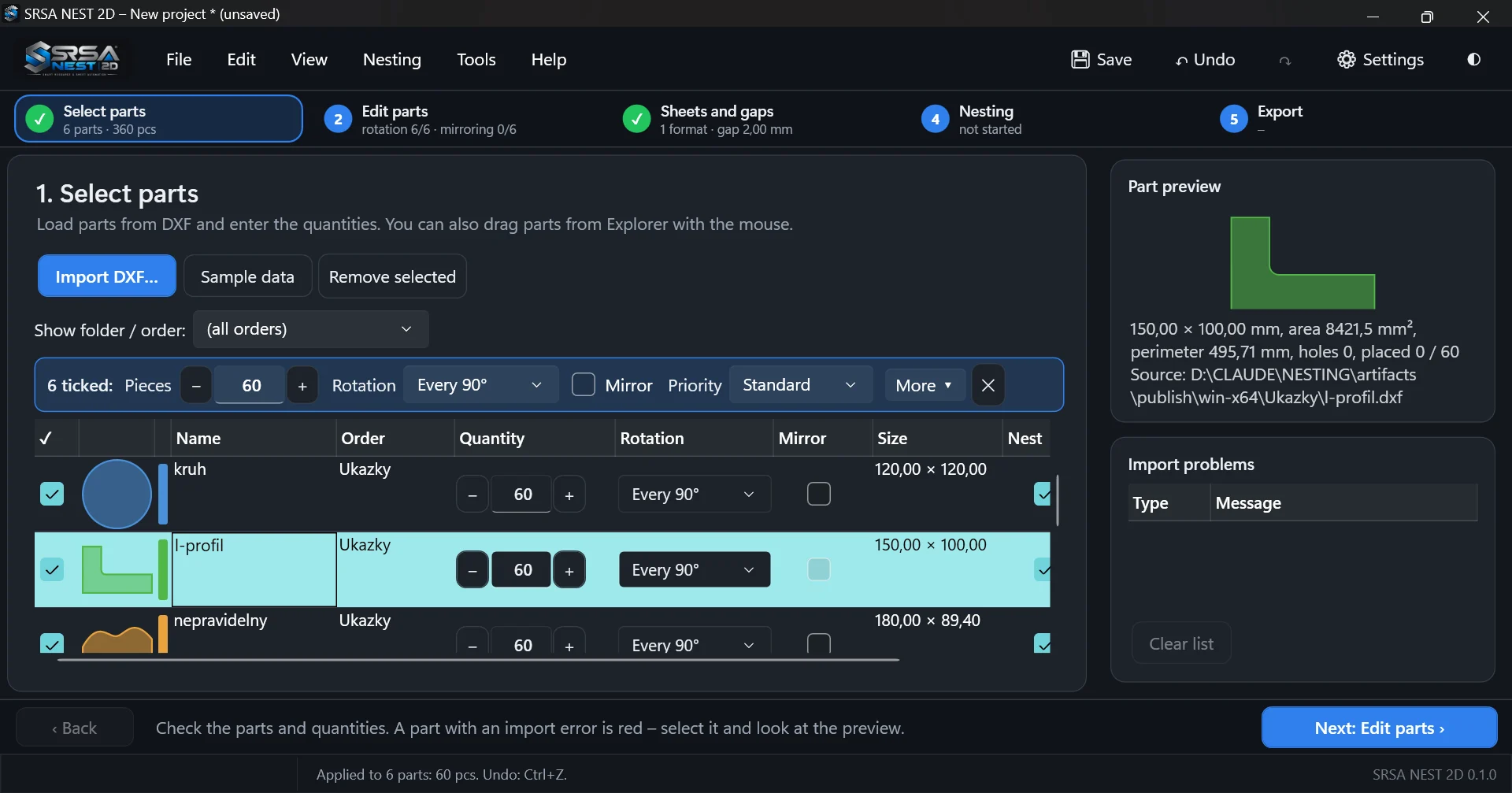
Loads ASCII and binary DXF files and turns them into clean, closed part contours.
Automatic true-shape nesting of DXF parts on full sheets and remnants. For laser, plasma, waterjet and CNC cutting – from drawing import to DXF for the machine and a report for the shop floor.
Desktop application for Windows 10 and 11 · your data stays on your computer
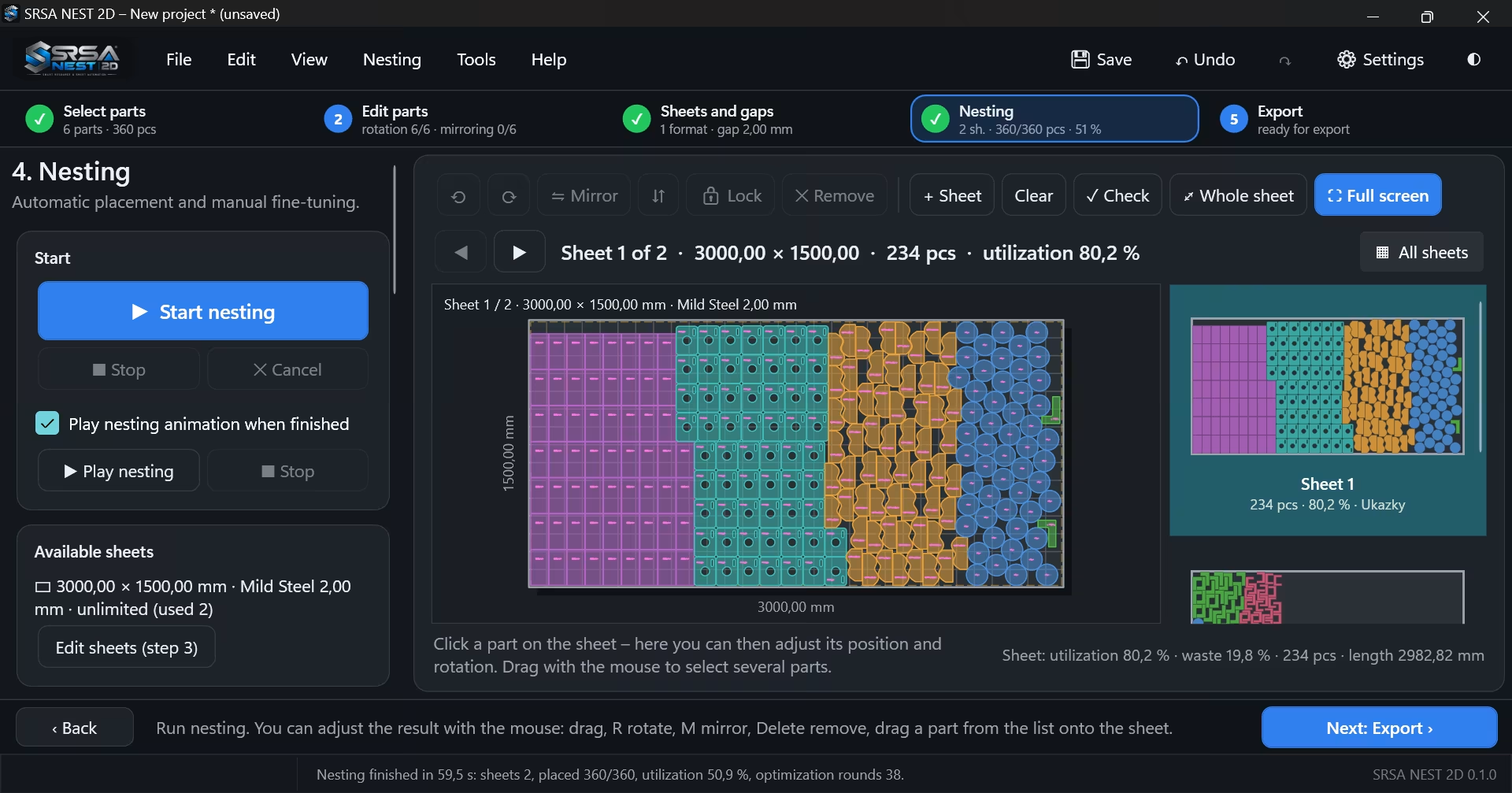
SRSA NEST nests parts by their real outline, fills holes of large parts, reuses remnants from previous jobs and turns the finished plan into DXF for your cutting machine. Your engineers focus on production instead of arranging parts by hand.
Loads ASCII and binary DXF files and turns them into clean, closed part contours.
No-Fit-Polygon nesting of the real part outline – not just bounding rectangles.
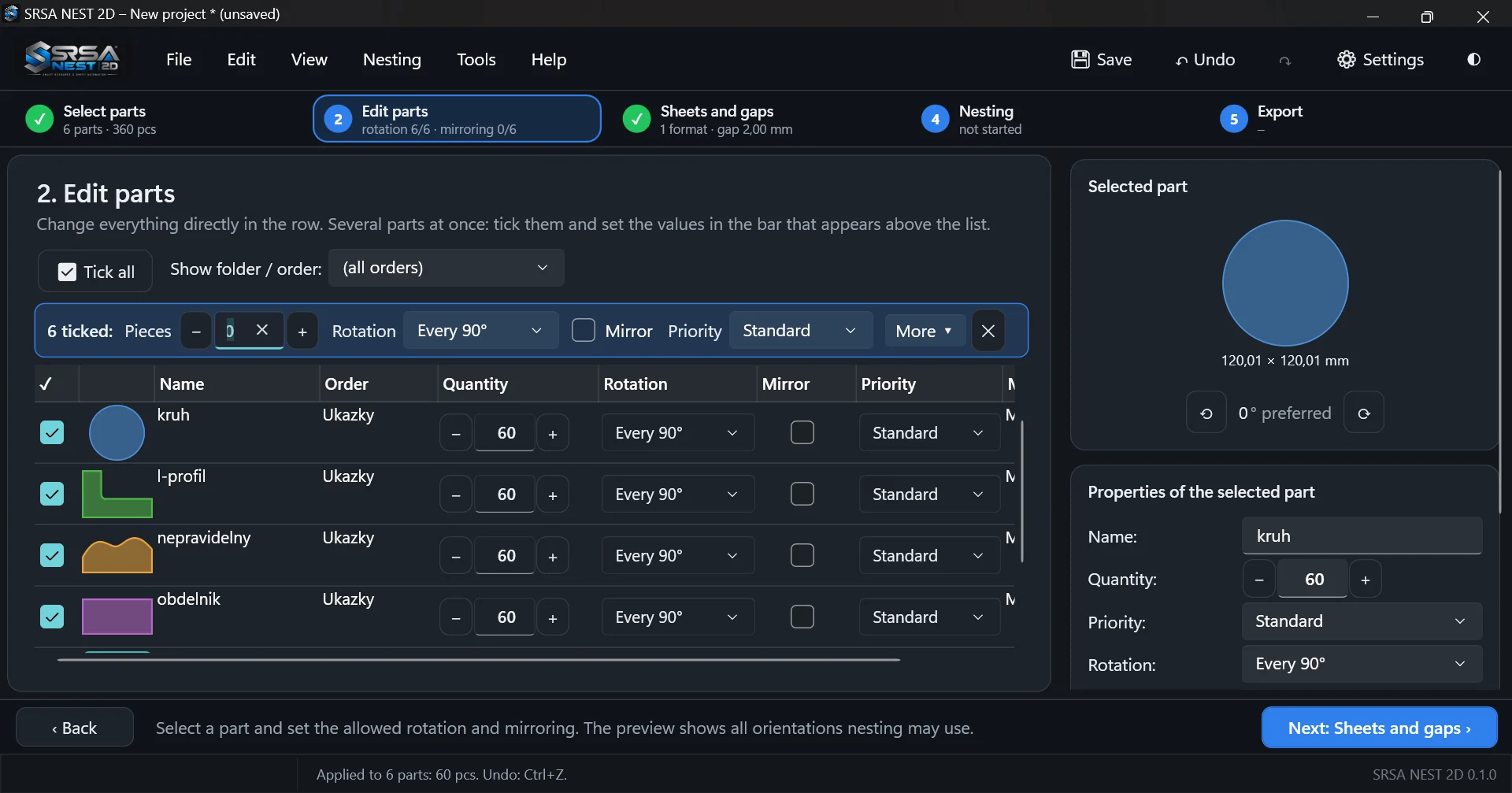
Allowed orientations are set directly in the part list – for one part or many at once.
Uses the material that simple nesting leaves unused.
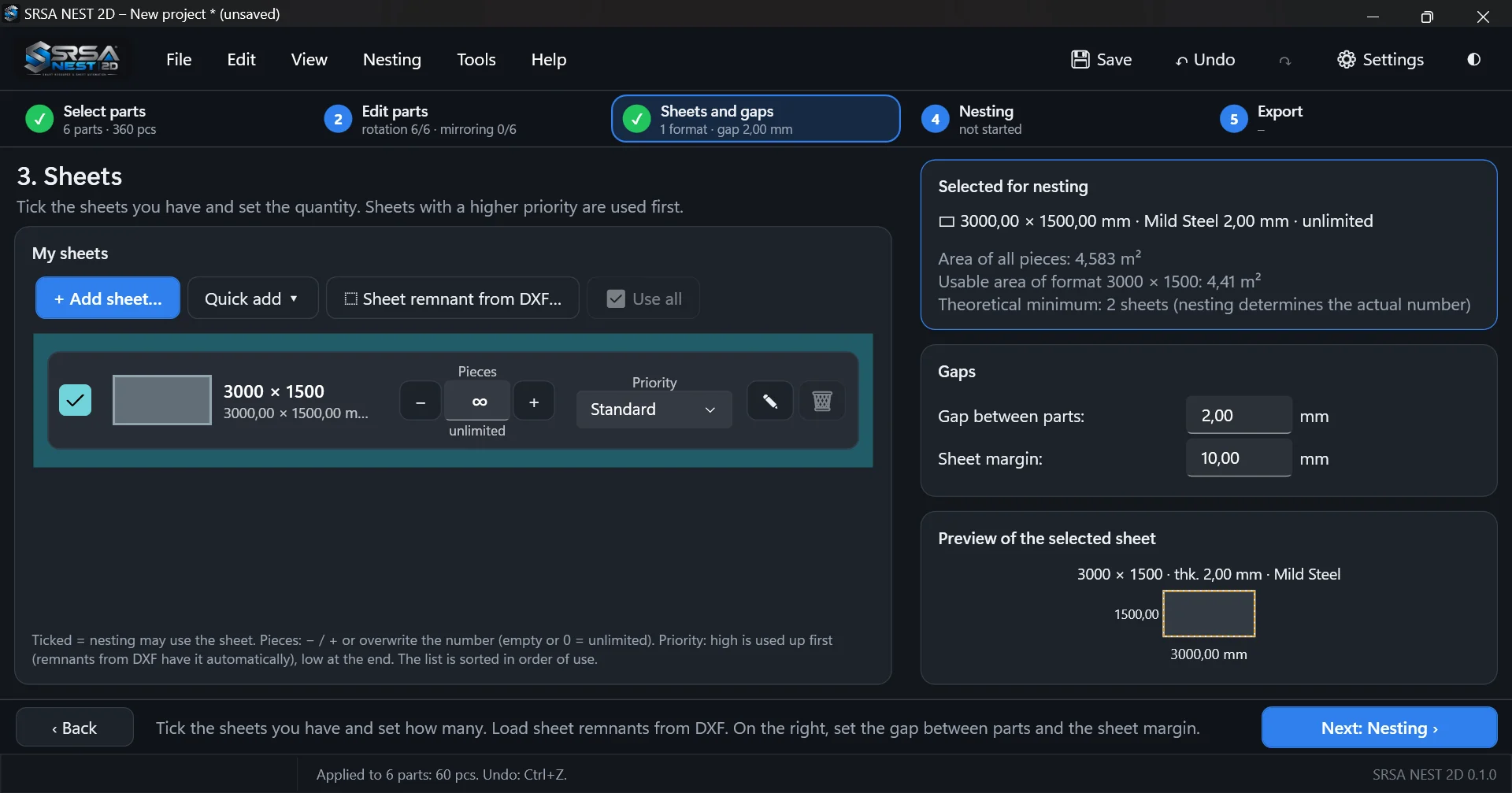
Full sheets and remnants of any shape in one stock, used in order of priority.
Every automatic result can be fine-tuned with the mouse and keyboard.
A guided workflow that new operators learn in minutes – and experienced ones finish in seconds.
Import DXF files or whole folders and enter quantities.
Set rotation, mirroring and priority – for one part or many at once.
Choose sheet formats and remnants from stock, set gap and margin.
Start automatic nesting and fine-tune the result by hand.
Export DXF for the machine, print the report, store remnants.
SRSA NEST works with standard DXF drawings and exports DXF for your machine or CAM software, so it fits into existing workflows for different cutting technologies.
Licences for companies of every size. Prices exclude VAT. We are happy to help you choose the right plan.
Test the full program on your own drawings.
For small workshops with one programming workstation.
For production with several operators or shifts.
For larger plants and several cutting machines.
Online purchase is being prepared. Until then we issue licences based on an order – just get in touch.
Remnants are material you have already paid for. A simple workflow keeps them in use instead of in the scrap bin.
Rectangular nesting is fast but wastes material with irregular parts. True-shape nesting places parts by their real outline.
Download the program, import DXF files from your production and compare sheet utilization with your current workflow.