Available
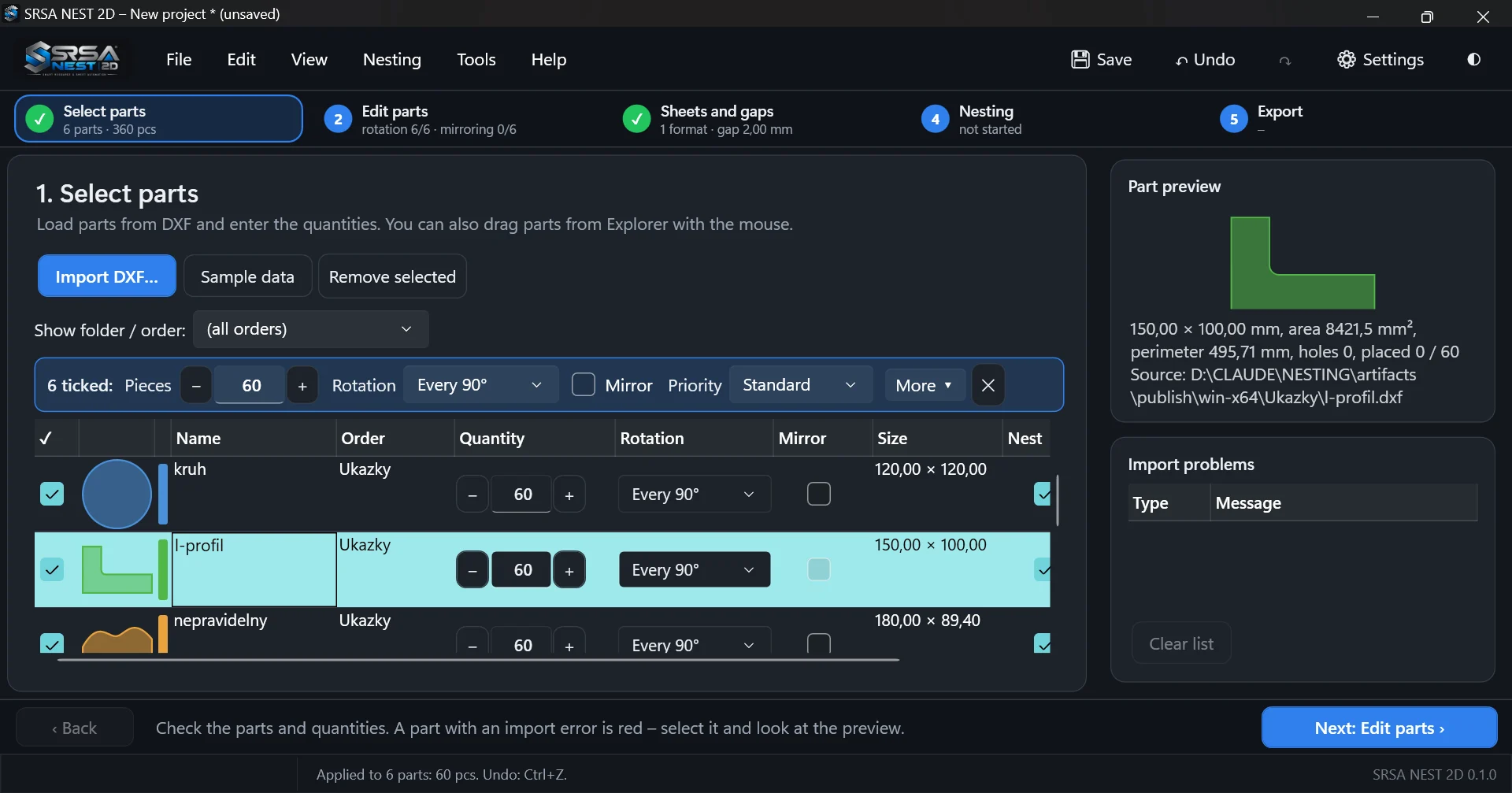
DXF import with geometry repair
Loads ASCII and binary DXF files and turns them into clean, closed part contours.
- LINE, ARC, CIRCLE, LWPOLYLINE/POLYLINE with bulges, ELLIPSE, SPLINE and nested, mirrored INSERT blocks
- Automatic joining of contours, closing of small gaps, detection of holes and islands
- Unit conversion, geometry check and repair, list of import problems
- Drag & drop of files or whole folders; each folder can become a job
Available
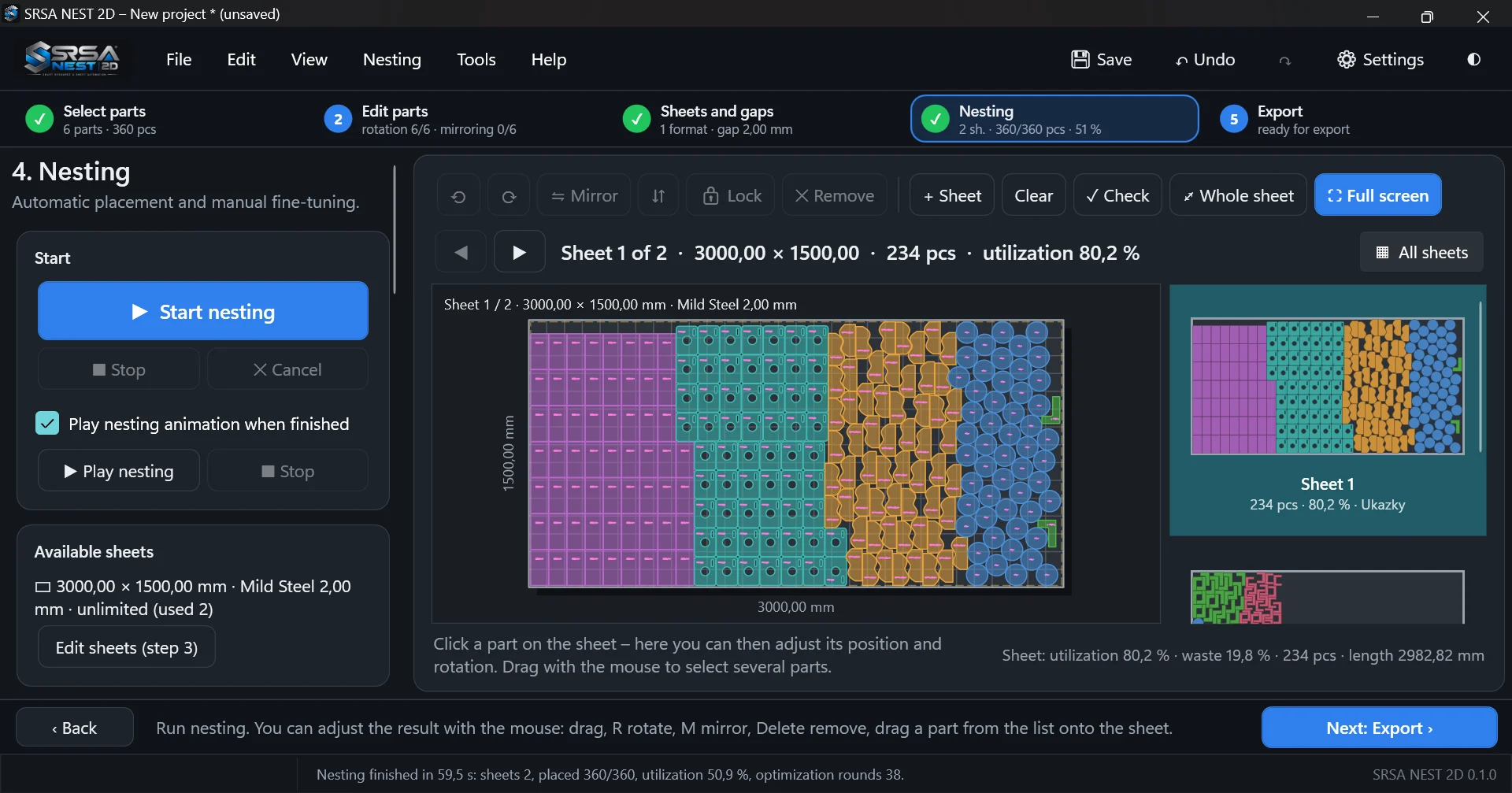
True-shape automatic nesting
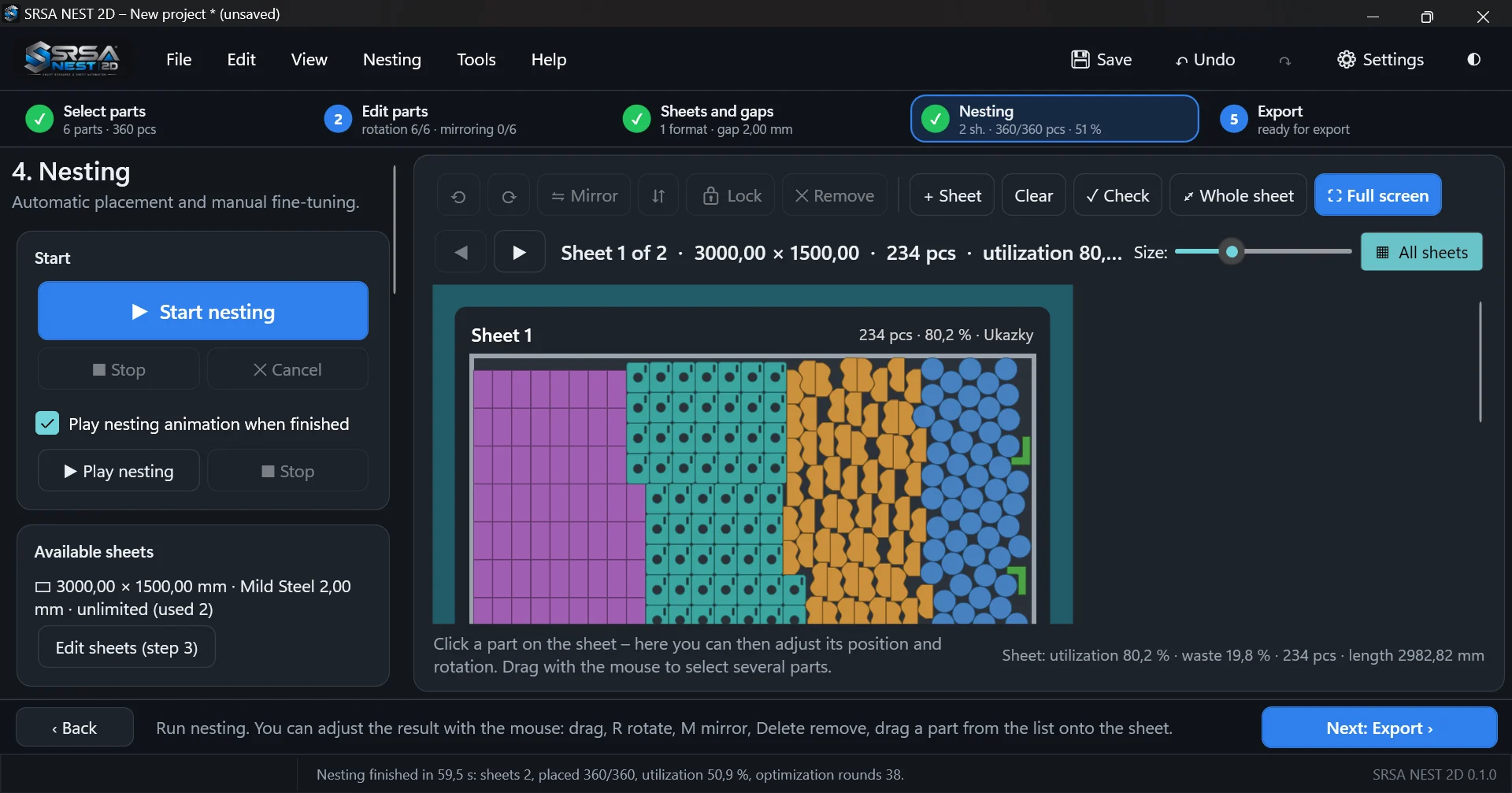
No-Fit-Polygon nesting of the real part outline – not just bounding rectangles.
- Gap between parts and sheet margin
- Quantities, priorities, several sheets and sheet formats in one run
- Fast heuristic, or optimization that searches for a better layout within a time limit
- Optimization can be stopped at any time and keeps the best solution found
Available
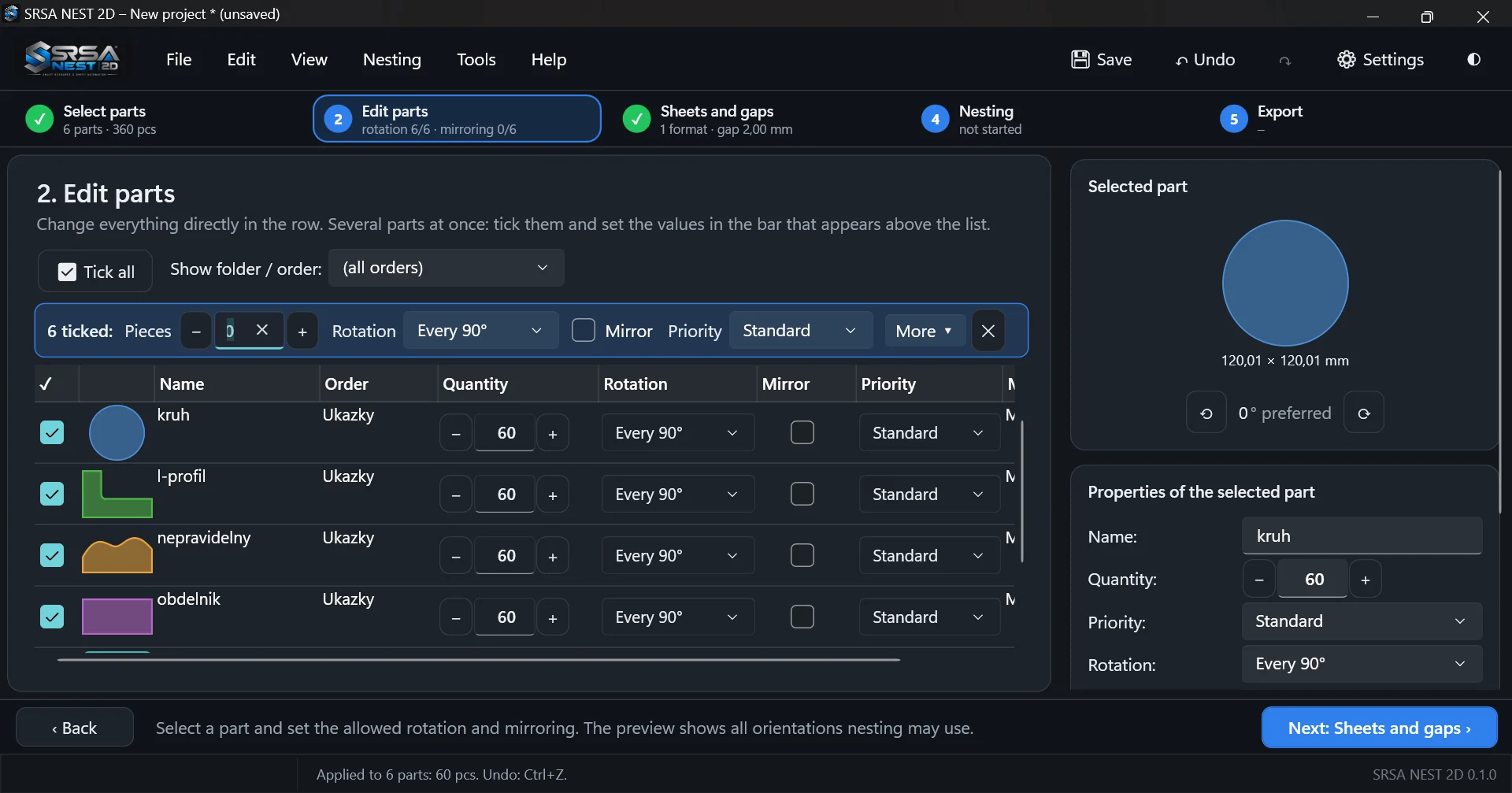
Rotation and mirroring per part
Allowed orientations are set directly in the part list – for one part or many at once.
- No rotation, 180°, 90°, 45°, 30°, 15°, 10°, 5°, 2°, 1°, custom step or list of angles
- Optional mirroring for parts where front and back do not matter
- Automatic mirroring when it improves the layout (can be turned off)
- Preferred angle for every part
Available
Smart nesting: part-in-part and pairing
Uses the material that simple nesting leaves unused.
- Part-in-part – small parts are placed into holes of large ones (e.g. washers into flanges)
- Pairing of concave shapes (U, L, C…) that interlock when it saves space
- Material and thickness matching – parts only go on matching sheets
- Regular grids for series of identical parts
Available
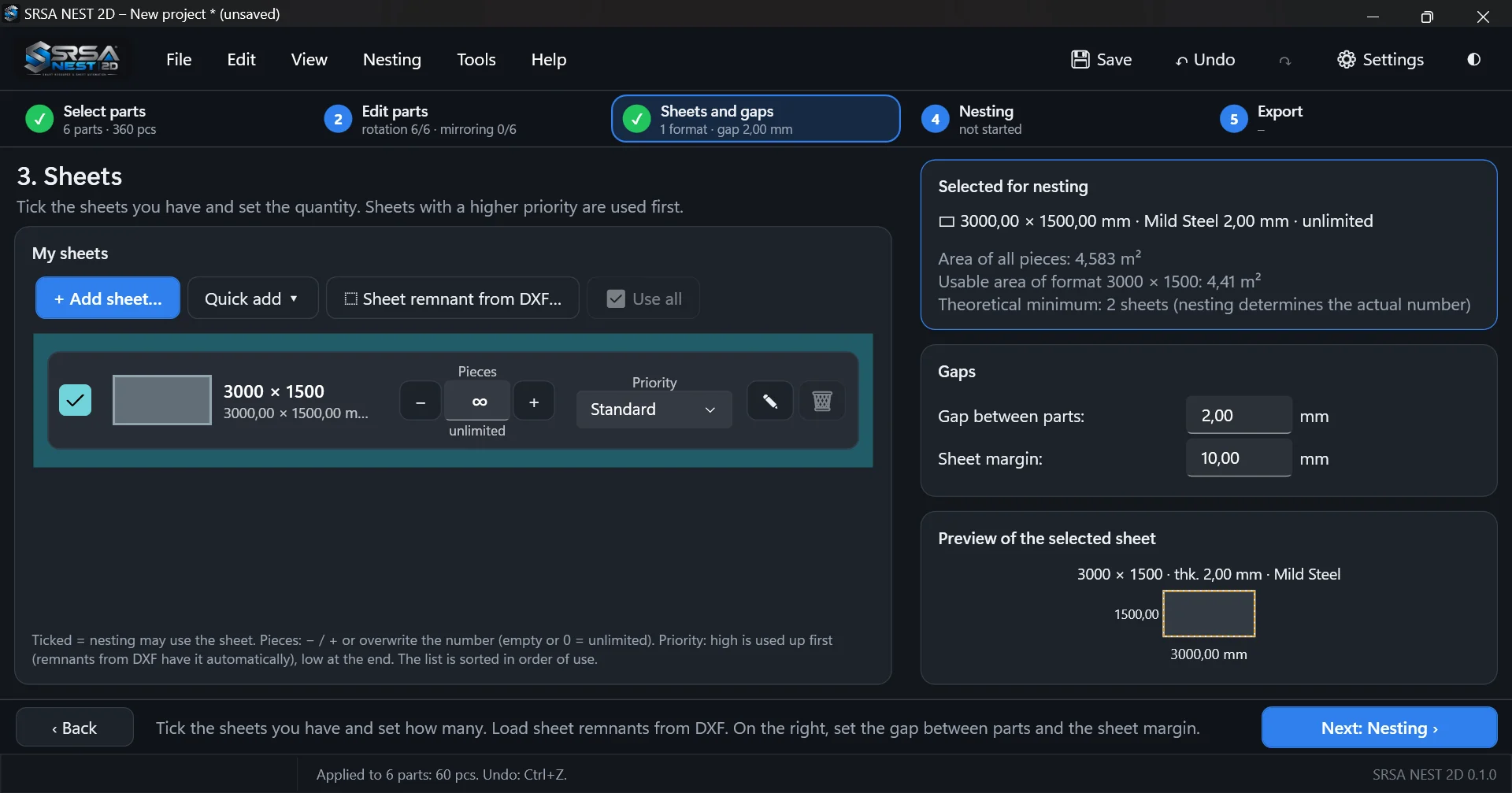
Sheet stock and remnants
Full sheets and remnants of any shape in one stock, used in order of priority.
- Several sheet formats with available quantities
- Remnants of any shape imported from DXF – holes are treated as defects
- Priority Low / Standard / High for sheets and for parts
- Remnant cut-off line and one-click saving of the remnant back to stock
Available
Manual nesting and editing
Every automatic result can be fine-tuned with the mouse and keyboard.
- Drag parts from the list onto a sheet, move, rotate (R), mirror (M), lock (L)
- Copy, duplicate and move parts between sheets
- Live collision and gap checking, snapping to grid
- Nest the remaining parts around locked ones; unlimited undo / redo
Available
Marking and engraving
Texts and lines from marking layers are kept as engraving instead of being cut.
- TEXT, MTEXT and lines from layers such as GRAV / MARK / TEXT become part marking
- Exported to a separate engraving layer
- Optional label with part name or number engraved on every piece
- Single-stroke font, automatically scaled to fit inside the material
Available
DXF export and CypCut profile
Clean DXF output for your CAM or machine software.
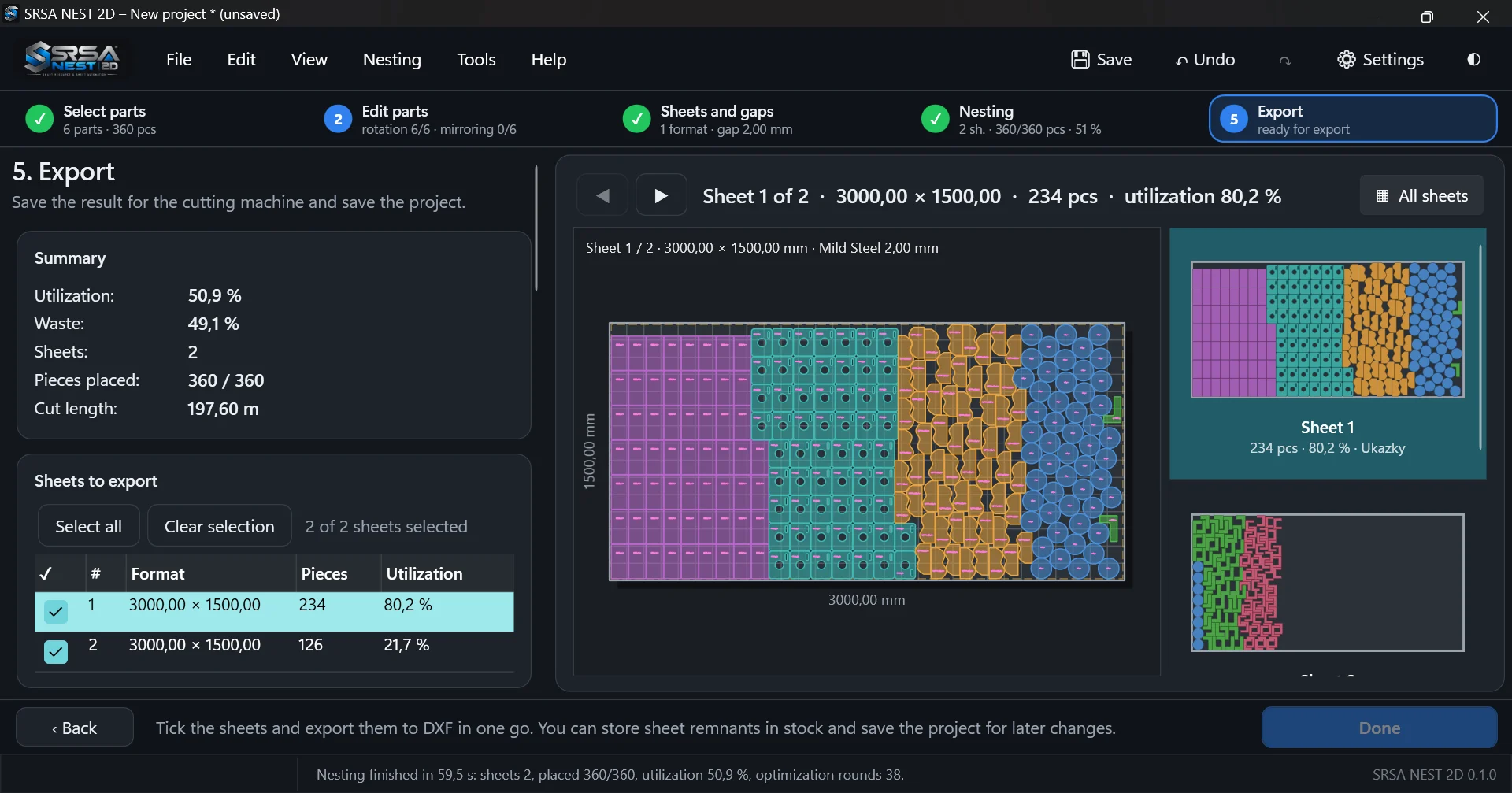
- One file per sheet or all sheets in one file; batch export of selected sheets
- Layers for parts, holes, sheet, margin, labels and remnant line; arcs stay arcs
- Profile for CypCut (Friendess fiber lasers) with cutting and engraving layers
- Export of a single part
Available
Shop-floor report, CSV and cost estimate
Everything the operator and the office need, printable or as PDF.
- Drawing of every sheet with numbered parts and a list of pieces
- Utilization, cut length, number of pierces and remnant size
- Estimated cutting time and price from cutting speed, pierce time and hourly rate
- Summary by job / folder and CSV export for Excel
Available
Jobs and folders
Parts from several customer jobs can share sheets while staying traceable.
- Each part remembers its job (taken from the DXF folder, editable)
- Filtering by job for fast entry of quantities
- Report per job: pieces, part area, sheet consumption, cut length, sheets used
- Export by jobs into separate folders
Available
Fast and reliable
Built for real production jobs with hundreds of parts.
- Parallel computation on all processor cores with caching of results
- Time limit for the whole optimization – the first complete layout is always finished
- Projects saved atomically with a backup copy; automatic backup of unsaved work
- Crash protection with a log and a rescue copy of the project
Available
Eleven languages, light and dark theme
The interface, the report and the CSV are available in your language.
- English, Czech, German, Spanish, French, Italian, Polish, Portuguese, Russian, Slovak, Turkish
- Units in millimetres or inches
- Guided five-step workflow with hints for new users
- Command-line tool for batch processing
Available
Licence activation in the program
Enter the licence key in the program under Help → Licence; it is activated online for this computer and the program then also works offline.
- Licence keys, device activation and release
- Trial, monthly, annual and perpetual licences
- 30-day trial with full functionality, no registration needed
Coming soon
Cutting groups criterion
The nesting criterion “minimize cutting groups” is prepared in the settings but has no effect yet.